Blog


Get exclusive tech SEO insights
Recent Articles


How to find slow and heavy pages
Slow and heavy pages make a negative effect on how users and search bots perceive your website. So having this type of pages may cost you both ranking and conversions. Read below a quick instruction on how to detect heavy pages and slow pages in several clicks and just a few seconds. At the bottom […]

How to create a new crawl
Basic crawl settings: Advanced crawl settings: Updated information: How to configure a crawl of your website Basic crawl settings: 1. Project creation You can crawl a whole website or pick up a particular segment for technical analysis. If you scan your website partially, we recommend giving a clear name for each segment. The name you […]

Top-Down Approach For In-depth SEO Analysis
Technical SEO analysis allows us to see the website`s performance and detect the main technical issues which prevent your website from high positions in SERP. And usually, tools for tech SEO audit provide SEOs with endless lists of URLs, that require additional bulky actions with Excel sheets to sort all out by issues before one […]
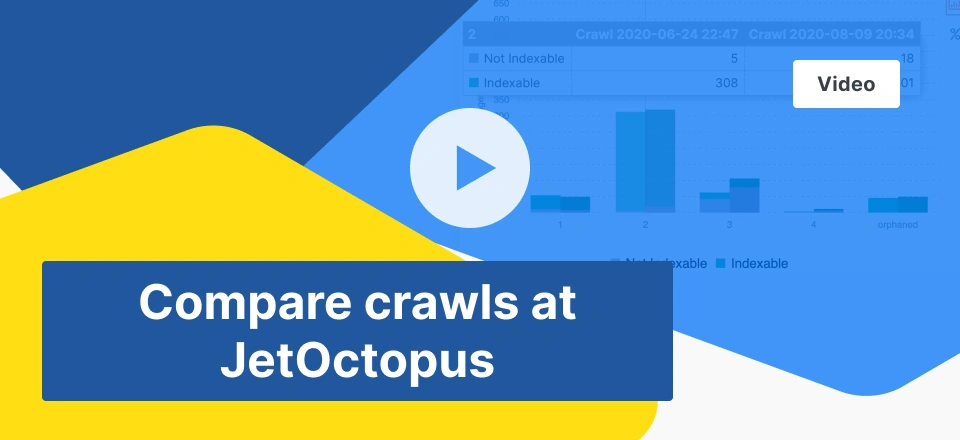
Compare crawls at JetOctopus
It’s often difficult for SEOs to monitor whether experiments that you`ve tried on the website have worked out or didn’t have any positive impact on Tech SEO criteria. Here is why we suggest using the Compare Crawl option and see all the changes in dynamics by any crawl report you need: In our short video-guide, […]

Ahrefs integration with JetOctopus
Backlinks play a significant role in the SEO of the website. Quality backlinks increase your site’s credibility from the search bot`s perspective and drive more organic traffic. That is why adding backlinks quick-check to your Tech SEO routine will reveal even more SEO opportunities and problems. – But SEOs already have a bunch of reports […]

JetOctopus Logs. A big picture of bot’s dynamics.
Pick up any period that you need and dive deep in log file analysis, because it’s just the beginning – watch this short video!
How Googlebot almost killed an e-commerce website with extreme crawling
Today there are a lot of SEOs who have already realized that the indexability of a website has a crucial impact on organic traffic increase. Those guys are doing their best to optimize the crawl budget and get really excited when Googlebot visits rate increases. But this case talks the opposite. Introduction Our client is […]
Setup SEO log files manually for 1 minute
In one of our previous articles, we’ve described 3 ways of log file integration with JetOctopus, which require a little bit of attention from the support team. It may only take a few minutes, but if you already have a log file at hand you can integrate it into JetOctopus even faster. Meet the new […]

3 ways of log file integration with JetOctopus
Why SEOs need logs? Log files contain 100% accurate information on how search engines crawl your website, which inevitably makes log file analysis an essential part of website SEO. It`s hard to find an SEO specialist who wouldn`t be aware of that, and there is no wonder log file analysis gets more popularity over past […]